Academic Skills Centre show-and-tell · 26 November 2026
Less formatting, more teaching.
How I used AI to rebuild a Critical Thinking and Writing course, bring old slides up to date, and turn workshop handouts into something students could actually try.
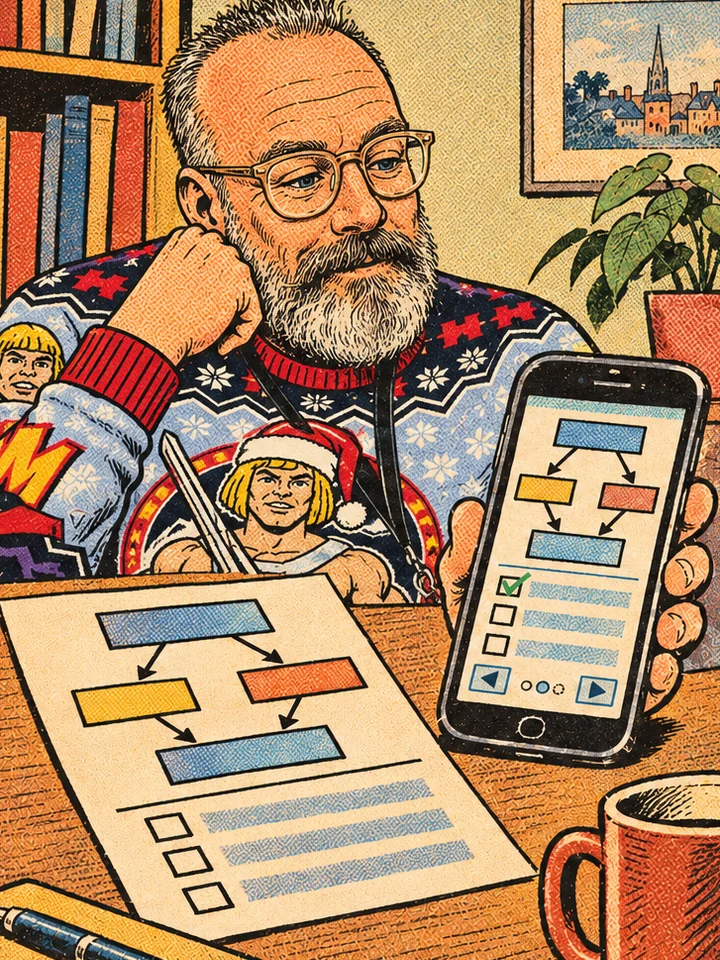
The existing Critical Thinking and Writing course was mostly narrated PowerPoints. I brought about 14 years of slides and handouts, a couple of video transcripts and an example of the Canvas HTML layout. The transcripts showed how I teach the material; the HTML showed how our pages are put together.
We worked out the sequence and what belonged on each page. ChatGPT drafted the HTML for the headings, boxes and activities. I pasted it into Canvas, checked how it rendered and edited the content in the visual editor.
Retemplate, then review
I tried one old deck with the new university template, then gave an agent a folder of materials and the Academic Skills Centre’s workshop menu. It helped map the materials to the menu and produced about 50 draft decks, with sources and possible corrections for me to review.
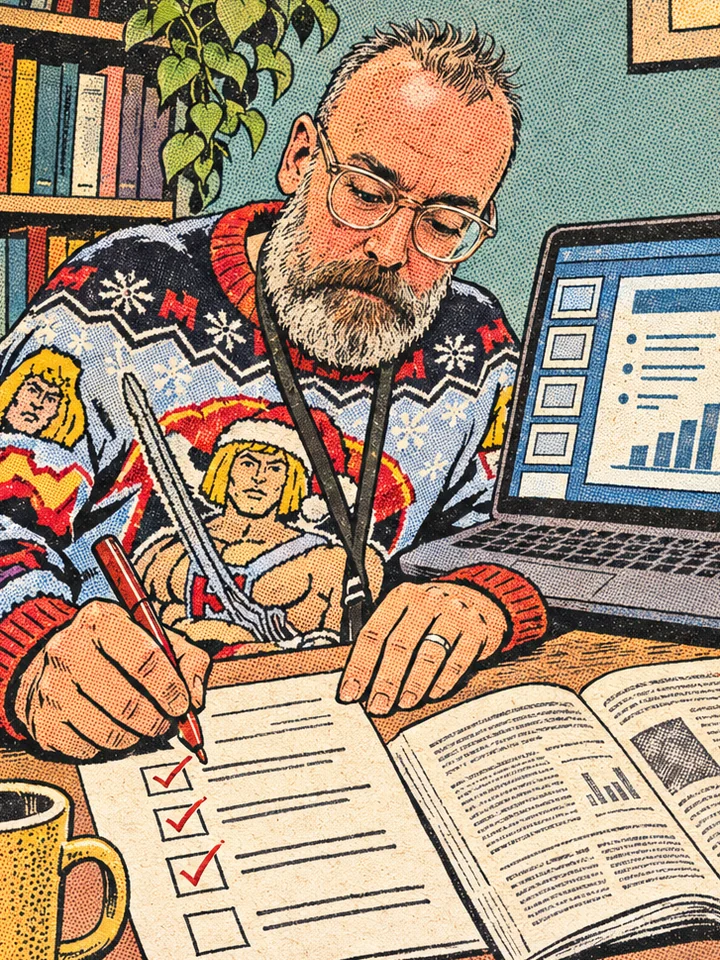
A new look is easy to check; a new claim isn't. I still read the cited papers, check that examples teach the intended skill, and look for layout and accessibility problems. The drafts are not automatically ready to teach.
Make the handout interactive
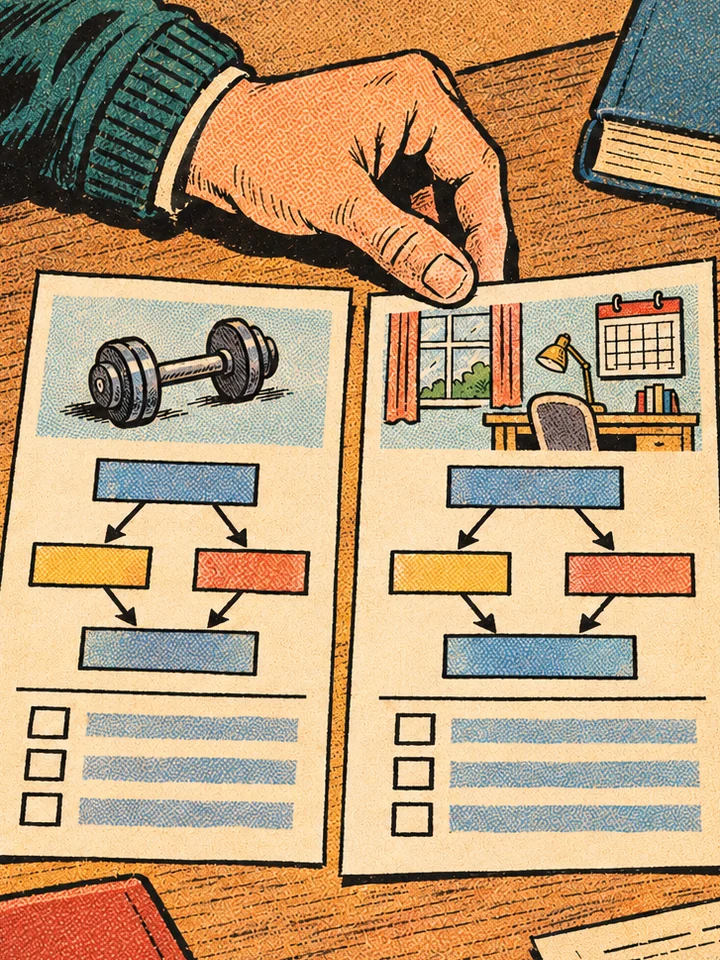
On my personal website, I turned session summaries into digital handouts with activities and quizzes. Students can follow a link after a workshop and practise at their own pace. A bank of examples lets me rotate the familiar gym argument or choose a scenario that feels relevant to a particular course without pretending to teach the discipline.
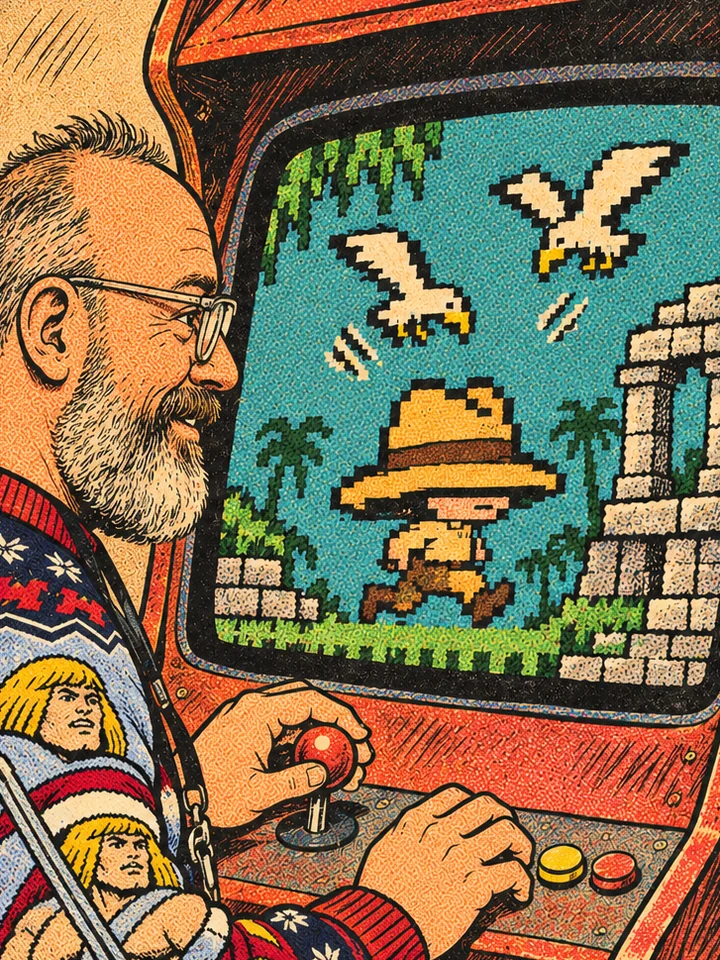
My son and I asked for an adventurer dodging birds. The first Expedition was a one-screen prototype and getting the hat onto the hero’s head took several goes. Star Squid went from 3D to a pixel shooter; Brian Boru grew from one golf course into five, informed by scorecards and aerial references.
The games’ information pages link to earlier playable builds. Try the first and latest versions of Expedition and see what changed after we actually played it.
Agents can handle file or publishing steps only when the tools, permissions and local rules allow it. This is an account of my workflow, not University guidance or a claim about what Birmingham’s AI tools support.
Two-minute activity
What would you hand over?
Pick a task and decide how much of it you’d delegate. There’s a suggested answer and an example prompt for each.
Move an old deck into the new template.
Hand over the layout; review the slides. Ask for a copy, preserve the learning outcomes, and inspect slide order, reading order, contrast and any dropped content. Repair or reject the deck if the transfer changes the teaching.
Example prompt “Apply this blank template to a copy. Preserve headings, notes and activities. List everything you changed and flag anything that does not fit rather than silently dropping it.”
Give the gym argument a new setting.
Co-design; keep the teaching decision. Ask for several options with the same reasoning structure. Check that the premises and conclusion still play the same roles. If the example is for a specific discipline, have someone with subject expertise check any claims.
Example prompt “Write three fictional examples with a conclusion and three supporting reasons. Keep the reasoning structure of my example. Label each part separately and don't invent subject facts.”
A student needs to decide whether evidence actually supports their claim.
Keep the reasoning with the student. If their course permits the tool, use it to ask questions or offer hints. The student should still evaluate the evidence and explain the link in their own words.
Example prompt “Ask me one question at a time about how my evidence supports my claim. Don’t write the argument for me. Wait for my explanation before giving feedback.”
Start with one low-stakes resource you have permission to use. Keep the original, use an approved tool and leave out student or confidential material. Compare the result before trying the same workflow in bulk.
Reading list
Speed and learning are different outcomes
Automating a staff formatting task can free time for teaching. For a student, working out what the evidence means may be precisely the skill the activity is designed to develop.
In a randomised experiment with 453 college-educated professionals, ChatGPT reduced time by 40% and increased rated quality by 18% on assigned writing tasks. Those were short professional writing tasks, not Canvas building, slide conversion or student learning. Read the authors’ working paper.
At one Turkish high school, students using a general-purpose GPT tutor did better while practising maths but worse than the control group when tested without it. A tutor designed to give hints rather than answers largely mitigated the drop. A specific maths setting, not evidence about university essay writing.
In a randomised comparison in introductory university physics, students learnt more in active classes despite feeling they learnt less. A useful illustration of why effortless can feel better without being better for learning. The study did not involve AI or test academic writing.
The show-and-tell is a report on my own teaching preparation. These studies give some context, not an evaluation of the course, its students or the tools I used.
A comic retelling
The Case of the Missing Hat
Six pages about fourteen years of files, one very persistent hat and knowing what to keep in your own hands. The dialogue is dramatised.
Page 1 of 6
Page 1 · The archive strikes back
The old course had a lot of me talking over PowerPoints.Somewhere in fourteen years of files was the course I wanted to make.
Page 2 · Operation: Canvas
Slides for the content. Transcripts for the teaching sequence. Sample HTML for the layout.Once I’d decided what went where, I pasted the HTML into Canvas and edited it myself.
Page 3 · Fifty decks walk into a folder
If I had a button that moved all this into the new template, I’d press it.The agent mapped the workshop menu and flagged sources. I still had to check what each deck actually taught.
Page 4 · The handout gets a second life
The paper handout became a link students could use after the session.I could rotate the gym example and keep the reasoning exercise intact.
Page 5 · A small matter of millinery
My son wanted an adventurer. We got one. The hat took a little longer to find his head.Expedition, Star Squid and Brian Boru got better by being played, criticised and revised.
Page 6 · Keep the bit that matters
Let the tool format the slides. Read the sources and decide what earns its place.If the point is learning to make an argument, leave the argument-making to the learner.